 By
By 
Are you looking for a Windows VPS? Well, it’s always better to try out first the hosting provider, and once you are satisfied with its performance only then you can choose to commit.
Therefore, this roundup review is all about selecting the best Windows VPS with Free Trial. Some of the following hosts don’t require a credit card and other require a credit card.
Depending on your requirements, you can choose the best hosting for your needs. Even if there is no trial, there are various ways to get a trial while keeping your money safe.
Let’s begin the list now.



Contents7
10 Best Windows VPS with a Free Trial or Money-Back Guarantee
We will first start with the best free Windows VPS trials. These are the trial available for 30 days. If you want the best high-performing server, these services should be your first choice.
You will need a credit card if you want to use any of these.
#1 Kamatera (Requires CC)
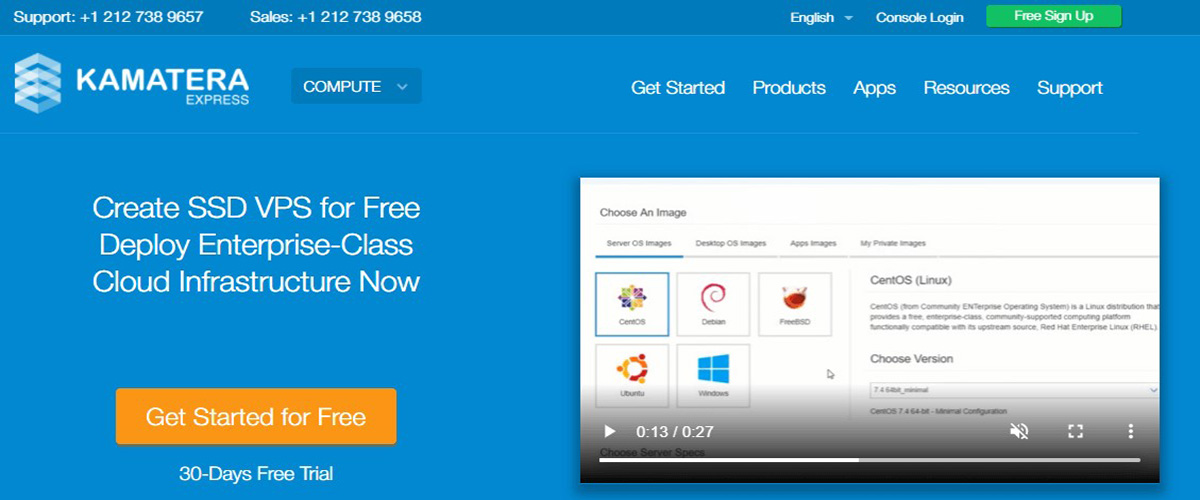
Kamatera is a professional cloud company. You can choose a VPS and configure it as per your wish. They provide various Windows operating systems. You can choose your favorite OS from the list.
The performance is great here. If you don’t want to configure the server by yourself, you can toggle and use the simple mode where you can directly choose the plan. Depending on your choice, you can proceed here. As the configuration is in your hand, it will cost you less to get started here.
Operating Systems
- Windows 10 64-bit
- Windows 8.1 32-bit and 64-bit
- Windows Server 2012 R2 64-bit (Standard and Datacenter edition)
- Windows Server 2016 64-bit (Standard and Datacenter edition)
- Windows Server 2019 64-bit (Standard and Datacenter edition)
Payment methods: Credit card
Trial Details: 30 days free trial
Best Features of Kamatera
- Unlimited scaling up or downscaling
- Premium support
- Simple management
- Full configurable server
- 13 data center locations
- 95% uptime guarantee
- No single point of failure
- High performing server
#2 Vultr (Requires CC)
Vultr is one the best Windows VPS hosting to go with if you want to go with the Windows server.
It supports the maximum number of operating systems. You can either choose from the list or you can even upload your ISO file. Vultr also backs its network and host nodes with a 100% uptime SLA, which pays service credits if they go down.
The panel is easy to use even for a beginner. It has got a high-speed private networking facility. The infrastructure will make it easier for you to scale up whenever required.
Operating System
- Windows 2019 x64
- Windows 2016 x64
- Windows 2012 R2 x64
- Custom ISO support
Payment Methods: Visa, Mastercard, Paypal, BitPay (BTC, BCH, ETH, DOGE, PAX, BUSD, LTC, USDC, GUSD), Alipay, UnionPay, American Express, Discover, and JCB.
Trial Details: Free credit for up to 30 days on new accounts. You link a card (or make a small deposit) at sign-up, and the credit amount depends on Vultr’s current promotion.
Best Features of Vultr
- 100% uptime SLA (paid as service credits)
- 33 locations worldwide
- Full root access
- Custom ISO support
- 24/7 support
- Powerful API and panel
Free Windows VPS No Credit Card Required
We will now see free Windows VPS with no credit card. These are the services that don’t require a credit card.
#3 BitLaunch (No CC required)
BitLaunch never asks for a card because it only takes cryptocurrency. Sign-up needs an email address and a password, nothing else, so you can try a Windows server without handing over card details or an ID.
The trial is short, though. There's no trial button: you create an account and ask support on live chat, and they add enough credit to run a server for a few hours. That's enough to test RDP, check latency from your location, and install your software, but not to run a project for weeks.
After the trial, billing is hourly from a prepaid crypto balance, so a server you delete only costs the hours it ran. BitLaunch shows its prices inside the control panel, not on its website, and doesn't list a separate Windows license fee. Check the hourly rate for a Windows server before you launch one.
Operating Systems
- Windows 10 Pro on BitLaunch's own servers
- Windows Server images when you deploy through a partner cloud such as Vultr
Payment Methods: Bitcoin, Litecoin, and Ethereum (crypto only)
Trial Details: Free credit for a few hours of use, on request through live chat. No credit card or ID needed.
Best Features of BitLaunch
- Sign-up with only an email and a password
- Hourly billing from a prepaid balance
- KVM virtualization with SSD storage in RAID
- Unlimited transfer on BitLaunch's own servers
- Free DDoS protection
- Own data centers in the Netherlands, Romania, and the UK, plus partner locations in the US, Asia, and Australia
- 99.95% uptime guarantee
- 24/7 live chat support
#4 Accuwebhosting (No CC required)
If you are looking for a free Windows VPS server that doesn’t even require a credit card, here is the choice for you.
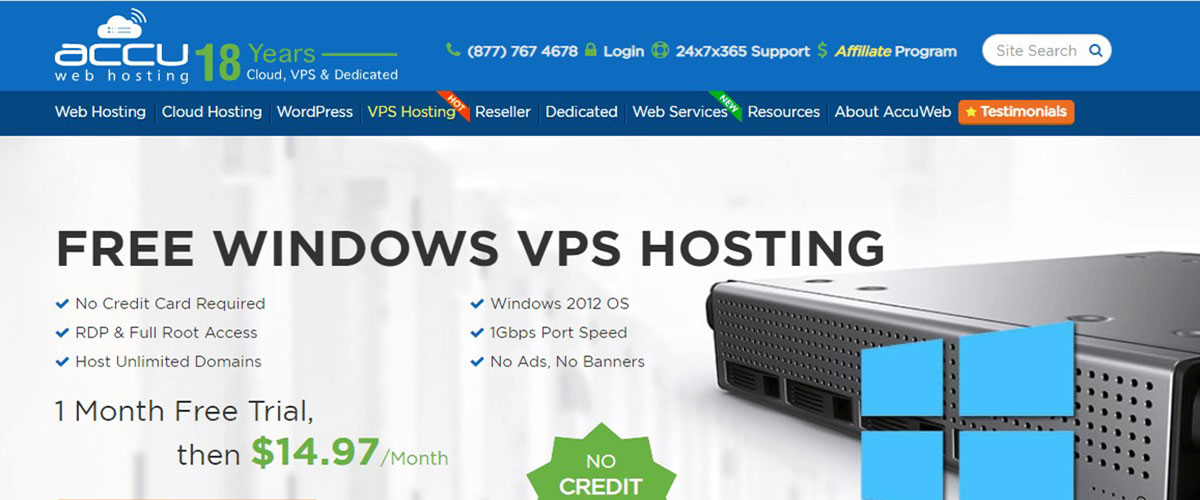
It’s a self-managed Windows VPS with full root access. The setup and configuration are fast and easy. Therefore, you can easily set up the server and get the work going.
It also supports Microsoft HyperV Virtualization. The number of operating systems here is very limited. However, on the positive side, you get complimentary backups for all the servers.
Operating System
- Windows Server 2012
Payment Methods: Paypal, card payments, and bank transfers.
Trial Details: 30 days free (you must have an active business website at least 6 months old and you will also have to provide a government ID for verification)
Best Features of Accuwebhosting
- Full root and RDP Access
- USA data center
- Server firewall
- 1 Gbps port speed
- Easily scalable
- Enterprise-Class Nimble SAN Storage
Free Cloud VPS for Windows
If you want to try out Cloud VPS, we have got the best free cloud VPS you can try. It supports Windows.
#5 OVH Cloud
Do you want to go with the cloud server for your Windows? You can check out OVH Cloud. It’s one of the best cloud Windows servers to go with. The best benefit of going with the cloud server is that you will get a huge amount of resources for your server.
You can use as many resources as you want. OVH has a strong network with fast, high-performing servers. The pricing is predictable and it will cost you less than other leading providers.
Operating Systems
- Windows Server 2016 (Standard and Datacenter edition)
- Windows Server 2019 (Standard and Datacenter edition)
Payment Methods: Credit card, Wire Transfer, and PayPal
Trial Details: 30 days of free trial upon approval (you will need a credit card here)
Best Features of OVHCloud
- Flexible billing with affordable rates
- Reliable and private network
- OpenStack Architecture
- Great customer support
- High performing server
- High availability infrastructure
VPS with a Free Money-back Guarantee
You can always go with the VPS which has a free money-back guarantee. Here, you will have to pay the full price of the server.
However, if you are not satisfied with the server, you can ask for your money back. The company will refund the entire amount. Of course, there is a limit on the number of days within which you can ask for a refund.
Let’s see the best VPS with a free money-back guarantee.
#6 AlexHost
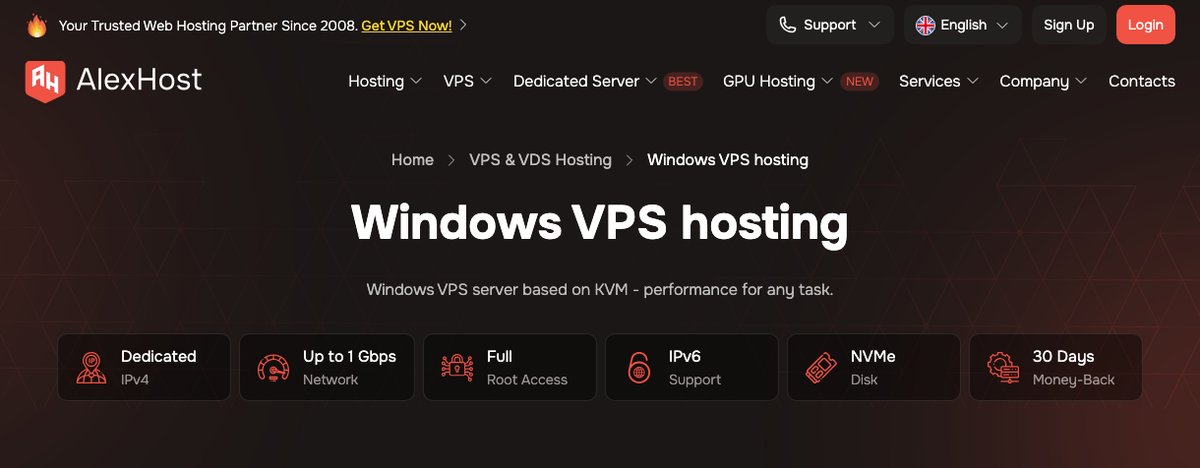
AlexHost is a Moldovan host that runs its own data center in Moldova. It sells Windows VPS in nine locations: Moldova, the Netherlands, Sweden, Bulgaria, Switzerland, France, the UK, Romania, and the US. There's no free trial, but new orders come with a 30-day money-back guarantee, the same window as Mochahost and Time4VPS.
The entry Windows plan, U2, costs €10 per month for 2 vCores, 4 GB of DDR4 RAM, and 40 GB of NVMe storage. U4 doubles that to 4 vCores, 8 GB, and 80 GB for €16 per month. Four gigabytes is a sensible floor for Windows Server, since the OS alone takes a good part of a 2 GB server.
The vCores and network port are shared. The base plans show a 100 Mbps port in Moldova, while the other locations list 1 Gbps. AlexHost uses licensed Windows images, and you can choose a managed or an unmanaged server.
Operating Systems
- Windows Server 2012
- Windows Server 2016
- Windows Server 2019
- Windows 10
- Windows 11
Payment Methods: PayPal, Visa and Mastercard cards, and cryptocurrency
Money-back Guarantee: 30 days from the order date
Best Features of AlexHost
- Own data center in Moldova
- Nine Windows VPS locations in Europe and the US
- KVM virtualization with NVMe storage
- Dedicated IPv4 and IPv6 support
- Full administrator access over RDP
- Managed or unmanaged servers
- 24/7 support
#7 Impreza
Impreza is a privacy-focused host that lets you sign up without an email address. Its KVM VPS plans come with a 7-day money-back guarantee for new orders. That's a much shorter window than AlexHost's, so set up and test your Windows server in the first few days.
Windows isn't a separate product here. In the VPS builder at checkout, you pick Windows Server 2022 Eval as the operating system. That's Microsoft's evaluation edition, which is meant for testing, and Impreza's knowledge base says a full Windows license costs extra.
Plans start at $9 per month for 1 vCPU, 1 GB of RAM, and 20 GB of SSD storage, but that's too small for Windows. The VPS III plan ($28 per month) with 2 vCPU, 4 GB of RAM, and 60 GB of storage is a more realistic starting point.
Operating Systems
- Windows Server 2022 (evaluation edition, full license extra)
Payment Methods: Bitcoin and other cryptocurrencies, PayPal, Visa, Mastercard, Stripe, and bank transfer
Money-back Guarantee: 7 days on new VPS plans
Best Features of Impreza
- Sign-up possible without an email address
- Nine VPS locations: Romania, Ukraine, the Netherlands, the US, Switzerland, Hong Kong, Russia, Lithuania, and Finland
- KVM virtualization with full root access
- 5 TB of monthly bandwidth on every plan
- Upgrade or downgrade resources from the client area
- 99.9% uptime guarantee
- 24/7 support by ticket, live chat, and Telegram
#8 IONOS
IONOS calls its offer a "free VPS trial," but it works as a 30-day money-back guarantee. You pay for the server up front, and if you cancel in the first month, IONOS refunds you. You need a card or PayPal to order, so this isn't a no-card trial.
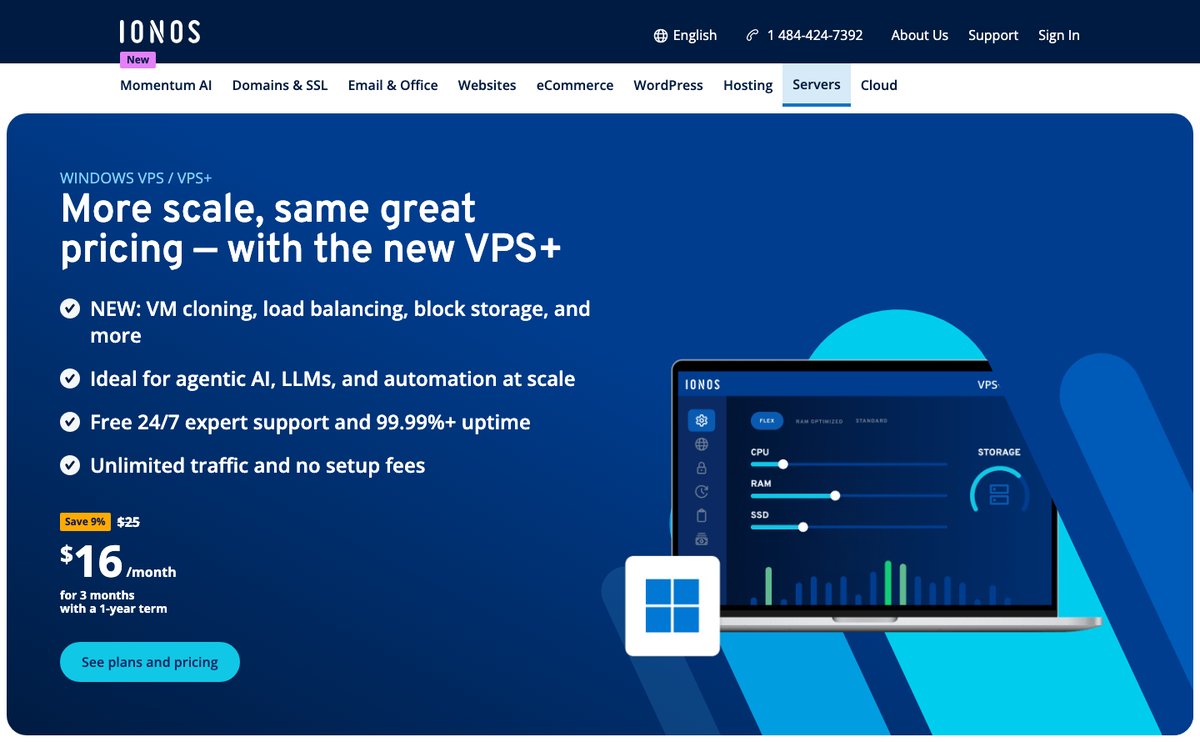
The Windows VPS+ range starts with Windows M+ at $16 per month for the first 3 months on a 1-year term, then $25 per month. That gets you 2 vCores, 4 GB of RAM, and 120 GB of NVMe storage. Windows L+ (4 vCores, 8 GB, 240 GB) starts at $31 and goes to $49 per month after the intro period.
The Windows price includes the license, which is why the same specs cost about twice as much as IONOS's Linux plans. You also can't switch a Windows VPS to Linux later; that takes a new order. If you keep the server past the refund window, note that IONOS needs your cancellation at least a month before the end of the minimum term.
Operating Systems
- Windows Server 2022
- Windows Server 2025
Payment Methods: Visa, Mastercard, American Express, Discover, debit cards, PayPal, Google Pay, and Apple Pay
Money-back Guarantee: 30 days
Best Features of IONOS
- Unlimited traffic with a connection of up to 1 Gbps
- NVMe storage on Dell enterprise servers
- Data centers in the US, the UK, Germany, and Spain
- DDoS protection and a configurable firewall
- Server images for rolling back failed updates
- IPv4 and IPv6 included
- Plesk available for $6 per month
- 99.99% availability (provider claim)
- 24/7 support by phone, chat, and email
#9 Mochahost
Mochahost is one of the hosting providers with more than 19 years of experience in the industry. This makes it a reliable network to go with.
It provides enterprise-level service with SSD storage. One of the things that we love about the hosting provider is the 100% uptime guarantee. You don’t need to worry about downtime here. If you already have your website hosted, you will get free migration assistance.
Operating Systems
- Windows Server 2016
- Windows Server 2012 R2
- Windows Server 2012
Payment Methods: Card payments, Skrill, and PayPal
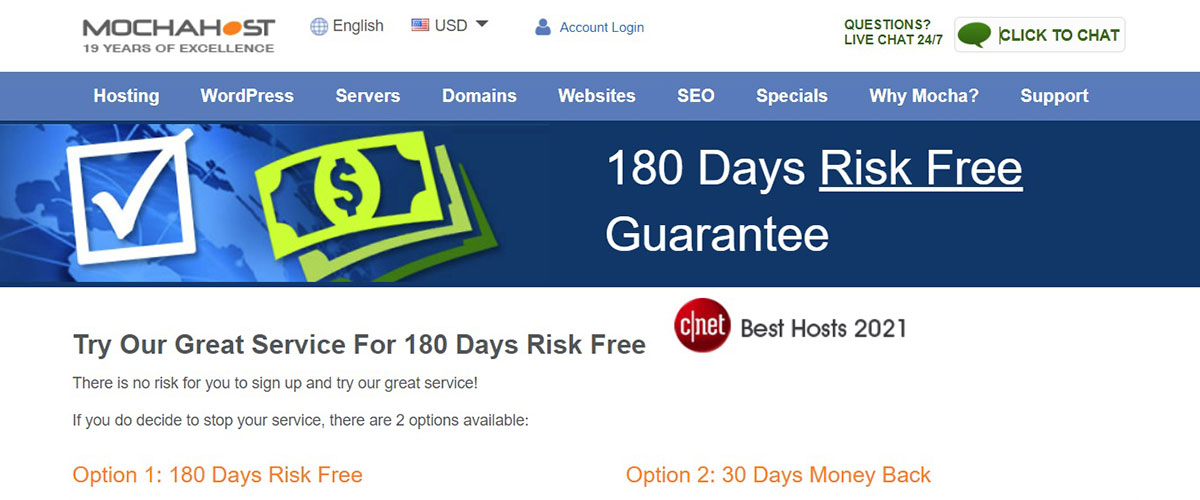
Money-back Guarantee: 30 days or you can opt for 180 days risk-free where you will get the money for the unused time interval. You can choose the option you like.
Best Features of Mochahost
- 100% uptime guarantee
- Free CDN and VPN
- Forex Optimized
- MSSQL support
- Automatic backups
- Renewal discount
- Fast 24/7 support
#10 Time4VPS
Time4VPS is a great choice if you want to go with Windows VPS with powerful security. The performance of the VPS is unmatchable here. You will get better storage space.
Along with flexible billing, it also includes complete admin access to the users. This is one of the greatest advantages of using Time4VPS.
You can set up your VPS in minutes. It has KVM-based virtualization. It’s a great VPS if you are a beginner as the prices are cheap and you can surely try it.

Operating Systems
- Windows Server 2019
- Windows Server 2016
- Windows Server 2012
Payment Methods: Stripe (Card payments), Alipay, PayPal, Coinify (cryptocurrency), and Webmoney
Money-Back Guarantee: 30 days
Best Features of Time4VPS
- Assistance on demand
- Powerful hardware for better performance
- KVM Virtualization
- Self-management
- 24/7 Support
- Highest security for the servers
- 98% uptime
- Affordable pricing
How to get free VPS windows?
Here are a few ways you can get free Windows VPS.
- Choose a VPS that provides free credits or a future pricing point. Thereafter, you can choose the configuration as per your need.
- When you are moving ahead, make sure you keep your credit card handy. Some hosting services will require you to enter a credit card. You won’t be charged, this is for the verification process.
- Some hosts ask for a promo code to activate the free credit. Check the provider’s current offer page for the code before you sign up.
- Make sure that the billing amount is 0. If it’s more, you might have selected extra services.
- You can also use VPS with a free money-back guarantee. We will talk about it more as we go.
Is there a free windows VPS for a lifetime?
Well, if you are looking for a free Windows VPS for a lifetime, there is sad news for you. Unfortunately, there are no Windows servers that are free for a lifetime.
“Free Lifetime hosting” especially in VPS is a big myth. Why would a company provide its entire server for free?
There is a good saying “If you are not paying for the product, you are the product”. You might see a lot of ads in such free hosting services. Also, they have the full right to terminate your website anytime they want. Therefore, you should never trust such free hosting services.
Now, if the trial is something that is not convenient for you, we got a few options you can try. This might work for you or cost you less.
- Instead of VPS, you can go with shared hosting. Shared hosting is cheaper as compared to VPS. So, you will save decent money here. AccuWeb Hosting (#4 on the list) sells Windows shared hosting on Windows Server 2022 with ASP.NET support. It starts at $3.49 per month on a 36-month term ($4.99 per month on renewal) and comes with a 30-day money-back guarantee.
- Alternatively, you can skip long contracts altogether. Kamatera (#1 on the list) doesn’t ask for a long-term commitment. You can run a Windows server on hourly billing, charged by the minute, or pay month by month, and cancel at any time. That way, you never lock money into an annual plan for a server you may not keep.
Final Words
To conclude, this was all about the best Windows VPS with a free trial. You can choose any of the servers from the list. All of them are great. When you give out the credit card details, there is nothing to worry about as you won’t be charged anything.
However, you need to ensure that you cancel the trial before the trial comes. If you are worried about being charged, you can always go with a hosting service that doesn’t ask for a credit card. All of these are the best servers you can select. Therefore, it’s safe to select any of them as per your choice.