 By
By 
Looking for FreeBSD VPS hosting services that offer Free-BSD optimized servers along with the latest OS releases? Welcome to the ultimate list of hosting providers supporting this OS.
As time passes, it is becoming more difficult to find hosting providers offering FreeBSD support with the latest releases.
Therefore, we are here with the best 7 cheap hosting services that support your favorite operating system. Some offer one-click installation for FreeBSD whereas a few others have semi-automatic installation.
Either way, these are the best VPS hosting services on the internet for FreeBSD.



7 Cheap FreeBSD VPS hosting
We will see 7 cheap FreeBSD VPS hosting providers which are reliable, and offer the latest releases for the operating system.
1. Vultr (Best FreeBSD VPS Hosting)
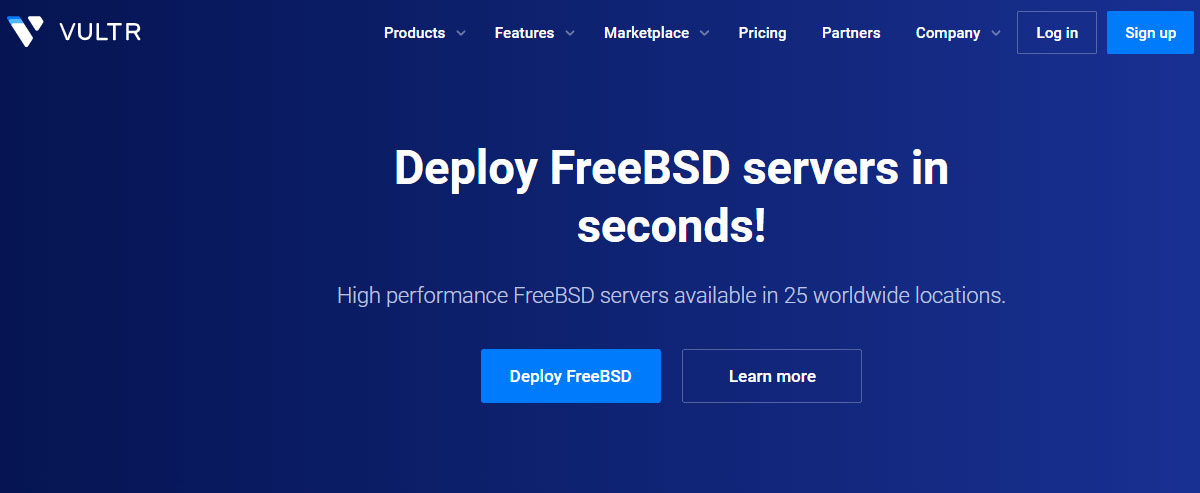
Vultr is the best FreeBSD VPS hosting you can go with. You will get full FreeBSD support here.
At the time we’re writing this article, Vultr uses the last two latest versions of the OS. If you want to have another version of the OS, you can always install your ISO.
There are multiple types of VPS you can go with:
- At first, you can choose from the CPU-optimized cloud or general cloud computing. CPU-optimized will have no noisy neighbor. Therefore, you will get better performance.
- Cloud computing (shared CPU) is good for medium workloads. You can choose one depending on the budget you have.
People often use FreeBSD for responsiveness and ease of use. Well, Vultr’s cloud panel is the cherry on top of the cake. You will get a mobile-responsible cloud panel to manage your FreeBSD VPS.
Vultr uses an advanced system derived from BSD. You will get 100% SLA with a powerful API to automate your VPS. The high-performance IP network also offers native DDoS mitigation.
Overall, Vultr has got all the features you will require. You can also scale up the server as you grow. They also offer OpenBSD hosting.
A quick look at Vultr
- OS releases: FreeBSD 12 x 64, FreeBSD 13 x 64. You can also upload your ISO.
- Installation feature: You can install FreeBSD 12 or 13 with one click.
- Datacenters Locations: North America (Seattle, Los Angeles, New Jersey, Chicago, Dallas, Atlanta, Miami, Honolulu, Silicon Valley, Toronto, and Mexico), South America (Sao Paulo), Europe (Amsterdam, Frankfurt, Paris, Warsaw, Madrid, Stockholm, and London), Asia (Tokyo, Singapore, Mumbai, and Seoul), and Australia (Melbourne and Sydney).
- Starting price: $2.50 per month for shared CPU, $28 per month for optimized cloud computing.
2. Contabo (High Specs Hosting with Unlimited Traffic)
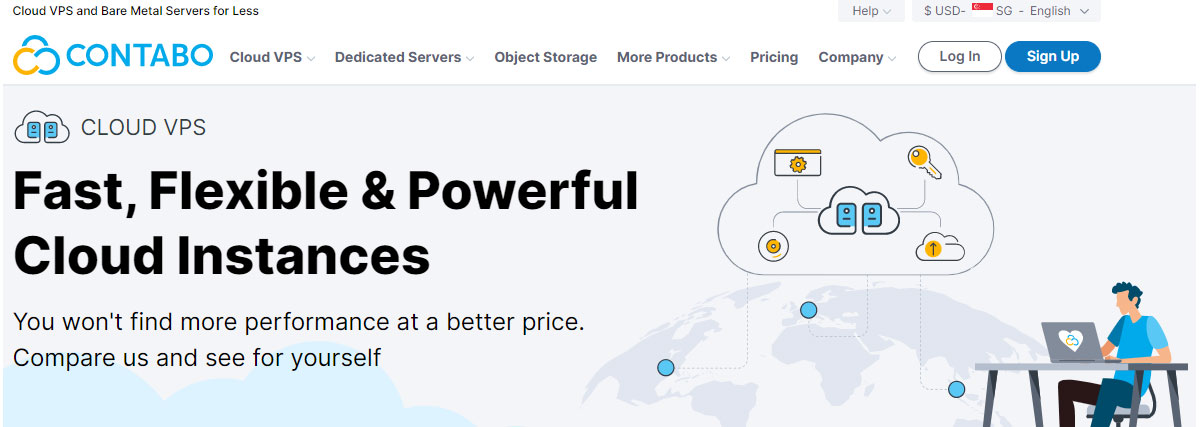
Contabo offers very high CPU specs for running your FreeBSD operating system. When you order a server, you don’t directly get the option to select FreeBSD.
However, you can surely select it from the customer control panel.
They offer vanilla FreeBSD. The customizations are limited here. It comes with ZFS by default. Further, SSH is also enabled. These are the only customizations done for you.
On the positive side, you can always upload your custom ISO here. You will get better speed as they offer more CPU cores even in the base plan.
The CPU specs are the core reason why we have named it the runner-up FreeBSD VPS Hosting. The operating system runs smoothly with high CPU specs.
The hosting provider has BSD optimized server. So, there will be no conflicts.
Contabo offers unlimited incoming traffic and up to 32 TB of outgoing traffic. They use Intel and AMD’s CPU with Dell, HPE (Hewlett-packard enterprise), and Samsung’s hardware for better networking.
You can create a private network to run the isolated cloud. Overall, it’s a decent hosting to use if you want high specs.
A quick look at Contabo
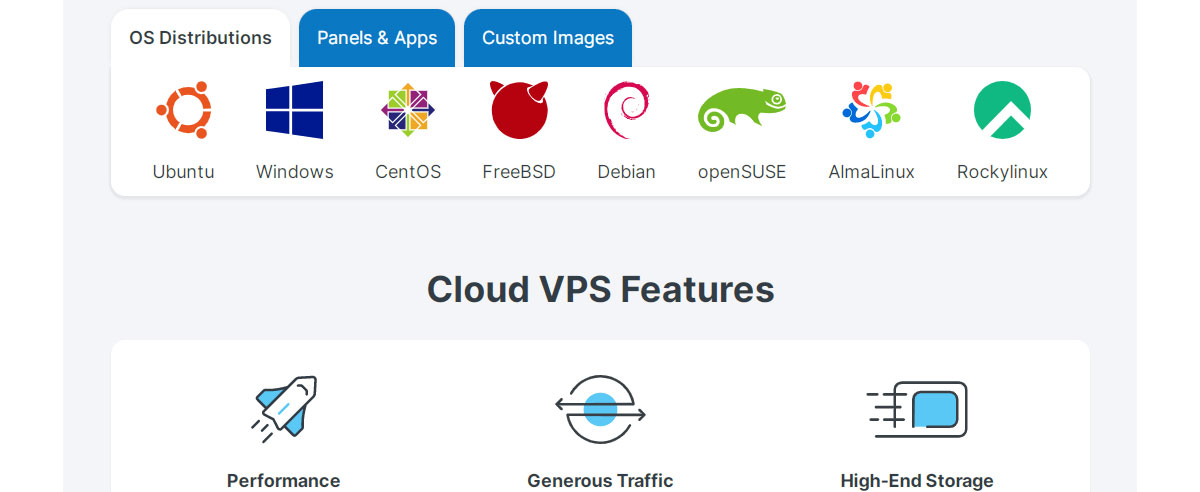
- OS releases: FreeBSD 11 and 12.2. You can also upload a custom ISO.
- Installation feature: One-click installation is done from the customer panel.
- Datacenters Locations: North America (New York, Seattle, and Louis), Asia (Singapore), and Europe (Germany, UK).
- Starting price: $8.49 per month (no setup fee when you go with annual). (Except in Germany, you will have to pay up to extra for other data centers)
3. InterServer
InterServer allows you to choose your favorite virtualization method for the VPS. As we are looking for FreeBSD hosting, you will have to select KVM as the virtualization method.
Here, you won’t get a lot of OS customizations done for you. For the same reason, you can get the server at a very affordable rate.
To know more details about the customizations, you will have to first sign up with the hosting provider.
You will get dedicated resources here. You’re in full control of the server. You can restart it anytime you want. As the virtualization mode is KVM, the compatibility of the operating system is also great.
InterServer offers a huge number of server-level features. In simple words, you will get server features like self-healing hardware, remote service backup, team collaboration options, etc.
However, you can’t choose the specs and customize other addons.
You will get Webuzo control panel to manage your server. They have great security; you will also get a 99.9% uptime guarantee here. If you’re looking for cheap hosting with very few customizations. InterServer is a great choice. You will get incredible performance.
They have 2 data centers in the United States. Therefore, it’s a great choice if you have an audience from the US.
A quick look at InterServer
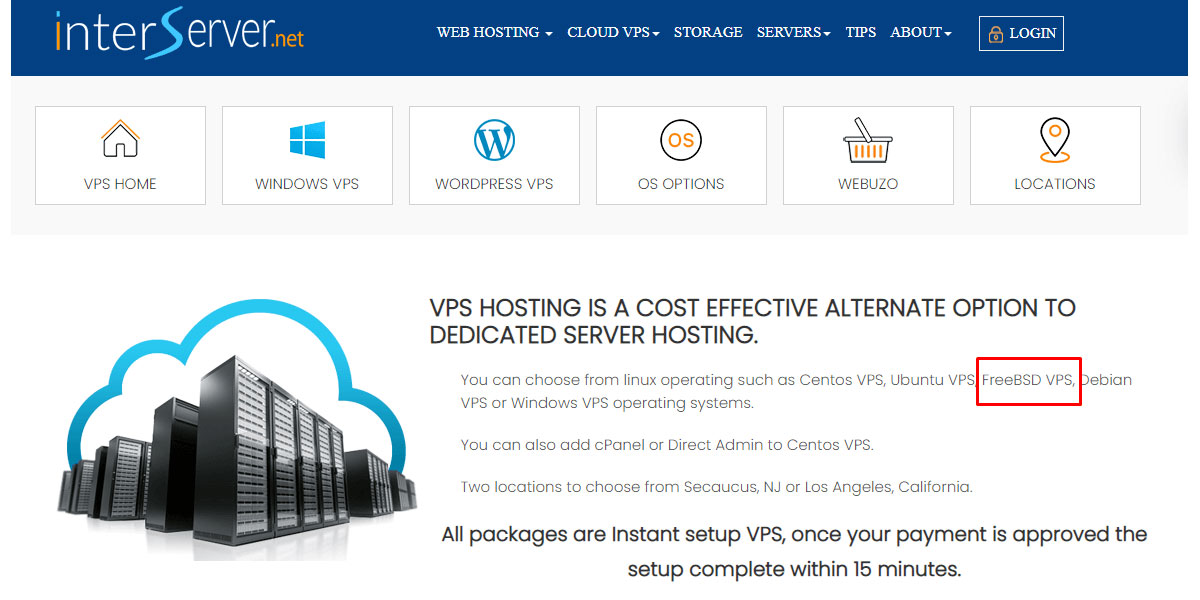
- OS releases: FreeBSD
- Installation feature: One-click installation on KVM virtualization
- Datacenters locations: USA (California and New Jersey)
- Starting price: $6 per month
4. Hetzner (Best for Europeans)
Finding cheap and reliable FreeBSD hosting in Europe is difficult. Hetzner is the perfect solution for such problems. It offers a reliable and cheap server in a European location.
They have a FreeBSD rescue system. The software can start the installation process. However, you will still have to enter proper commands to install FreeBSD.
Don’t worry, there is a complete tutorial if you’re facing any issues during the installation process. You can also contact the support for help.
You will get a load balancer. So, in case there is a sudden traffic spike, a load balancer will help you with the same. They include 20 TB of bandwidth.
You can also buy extra TBs. The extra TB will cost you €1.19.
They use IPv4. For hardware, you will get Intel and AMD hardware. The support is great. They only offer ticket support. It’s pretty fast. You will get the response within a couple of minutes.
You will also get floating IPs. For security, they have a firewall and DDoS.
It’s highly recommended if you’re looking for cheap hosting in Europe. The OS installation is manual. So, you will need to know a bit of technical stuff.
The support will surely help you if you need it.
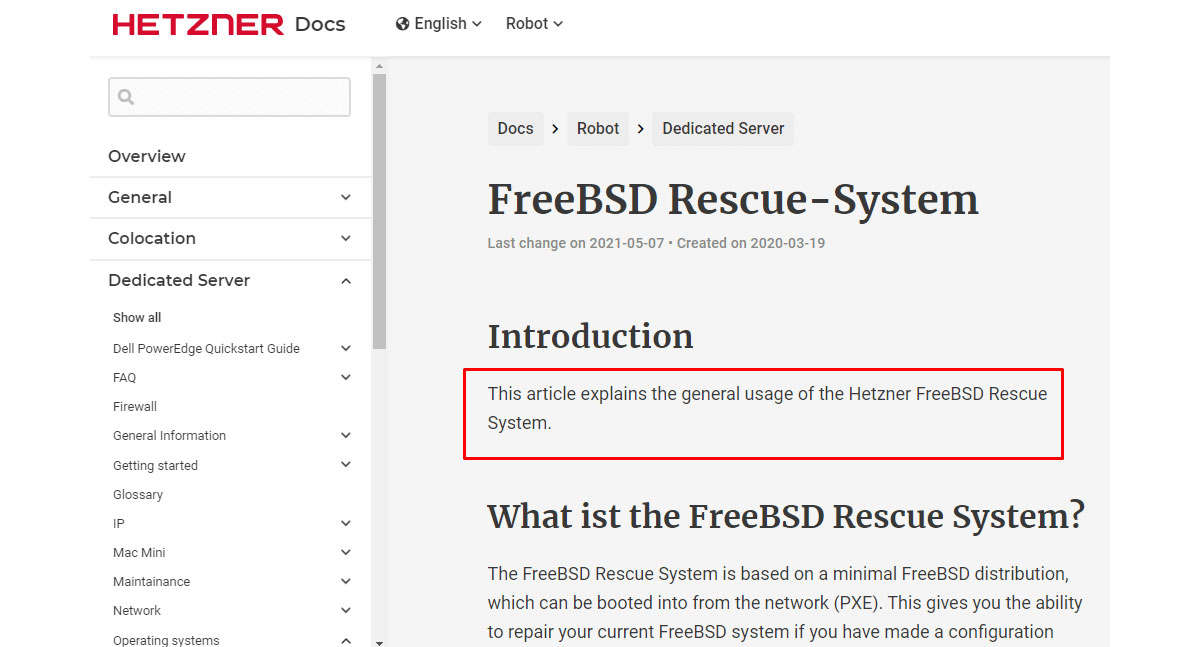
A quick look at Hetzner
- OS releases: FreeBSD Rescue System
- Installation feature: Manual install, the software will start the installer. You will have to install it through SSH command line.
- Datacenters locations: Europe (Finland and Germany) and the USA
- Starting price: € 4.15 per month ($4.36)
5. AlexHost
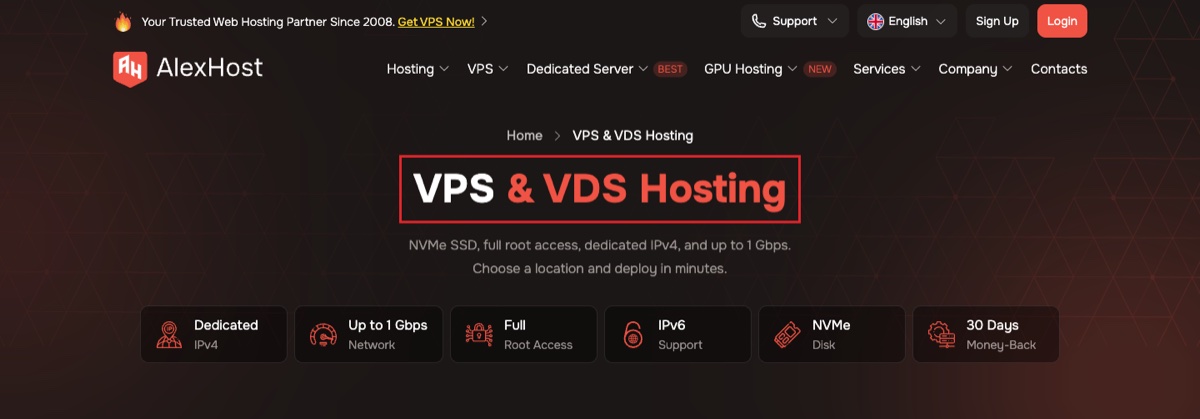
AlexHost is a good option if you want an affordable VPS with FreeBSD available directly among the supported operating systems. Unlike providers where you have to upload your own ISO and hope it works, AlexHost explicitly lists FreeBSD 12 and FreeBSD 13 for its VPS servers.
The VPS platform uses KVM virtualization, giving you an isolated virtual machine with full root access. Plans also come with NVMe storage, a dedicated IPv4 address, IPv6 support, and network connectivity ranging from 100 Mbps to up to 1 Gbps on selected locations.
AlexHost has expanded well beyond its original Moldova infrastructure. Its current network includes locations across Europe, including Moldova, the Netherlands, Sweden, Bulgaria, Switzerland, France, England, and Romania. US VPS locations are also shown in its current ordering system.
Another benefit is that AlexHost offers monthly billing, so you don't have to commit to a long contract just to run a FreeBSD server. There is also a 30-day money-back guarantee on the VPS plans.
For someone specifically looking for FreeBSD VPS hosting, the main advantage is simple: you don't have to rely on FreeBSD merely being technically compatible with KVM. AlexHost actually names it as one of the operating systems available on its VPS platform.
A quick look at AlexHost
- OS releases: FreeBSD 12 and FreeBSD 13.
- Installation feature: FreeBSD is offered among the available VPS operating systems.
- Virtualization: KVM.
- Storage: NVMe.
- Datacenter locations: Multiple European locations including Moldova, Netherlands, Sweden, Bulgaria, Switzerland, France, England, and Romania, with US VPS availability also listed.
- Network: 100 Mbps standard on many plans, with up to 1 Gbps available at selected locations.
- Starting price: €6 per month.
6. AlphaVPS
AlphaVPS is another strong choice for running FreeBSD because its KVM VPS platform provides an actual FreeBSD 13 ISO.
Instead of being limited to Linux templates, AlphaVPS lets you mount an ISO and perform a manual operating system installation using the integrated VNC console. FreeBSD 13 is one of its predefined ISO images, and if you need another release, AlphaVPS also says you can request a custom ISO through a support ticket.
This makes AlphaVPS particularly useful if you want more control over your FreeBSD installation. You can change the VPS boot order, mount the FreeBSD ISO, boot from the virtual CD-ROM, and complete the installation yourself through the console.
The current entry-level VPS platform uses KVM virtualization with NVMe RAID-10 storage and ECC memory. AlphaVPS advertises VPS plans starting from €2.54 per month with annual billing. IPv4 and IPv6 are included, and the company currently operates VPS infrastructure in seven locations across Europe and the United States.
Those locations include Sofia, Nuremberg, London, New York, Dallas, Los Angeles, and Seattle. This gives you more geographic choice than many smaller FreeBSD-compatible VPS providers.
One thing to keep in mind is that FreeBSD installation is manual through the ISO, rather than the normal Linux template deployment process. That's actually an advantage for experienced FreeBSD users, but beginners should expect to go through the operating system installer themselves.
A quick look at AlphaVPS
- OS releases: FreeBSD 13 ISO provided. Other/custom ISOs can be requested.
- Installation feature: Manual installation using an ISO and VNC console.
- Virtualization: KVM.
- Storage: NVMe RAID-10 on current VPS plans.
- Datacenter locations: Sofia, Nuremberg, London, New York, Dallas, Los Angeles, and Seattle.
- Starting price: From €2.54 per month with annual billing.
- Money-back guarantee: 14 days.
7. BlackHOST
BlackHOST is worth considering if you want a KVM VPS with unmetered traffic and more freedom over the operating system you run.
Its VPS platform uses KVM virtualization, which gives each VPS its own kernel and lets you customize the filesystem, partitions, and operating system. BlackHOST also has a custom VPS configuration form where you can specify the OS you need.
However, there is an important distinction compared with AlexHost and AlphaVPS: BlackHOST does not currently list a specific FreeBSD release or a one-click FreeBSD template on its public VPS pages. Therefore, I would confirm FreeBSD or custom ISO availability with BlackHOST before placing the order.
Assuming your required FreeBSD release is accepted, the KVM environment makes BlackHOST an interesting option because its VPS plans include unmetered traffic, NVMe storage, IPv4 and IPv6, and full control over the virtual server.
The cheapest VPS currently starts at $2.49 per month when billed annually. That plan includes 512 MB RAM, 10 GB NVMe storage, unmetered traffic, a 100 Mbps connection, one IPv4 address, and a /64 IPv6 allocation. Higher plans increase RAM, storage, and network speed.
BlackHOST also advertises a 99.95% uptime guarantee on its cheap VPS platform. If you need substantially more network capacity, its separate unmetered VPS range offers 1 Gbps connections, although those plans cost more.
A quick look at BlackHOST
- OS releases: FreeBSD version is not publicly specified; confirm your required version before ordering.
- Installation feature: KVM platform with custom OS configuration; no publicly documented one-click FreeBSD image.
- Virtualization: KVM.
- Storage: NVMe RAID-10.
- Traffic: Unmetered.
- Network: Starting at 100 Mbps on the cheapest VPS; higher-end unmetered VPS plans offer 1 Gbps.
- Starting price: $2.49 per month with annual billing.
- Uptime guarantee: 99.95%.
Conclusion
You can go with any of the above-given FreeBSD hosting providers. If you’re a beginner, you can choose the VPS that offers a one-click FreeBSD installation.
The choice will depend on your requirements. Here is a breakdown of the best FreeBSD VPS based on your criteria.
- Best for Price: Vultr or AlphaVPS
- Best for Performance: Vultr
- Best for Europe: Hetzner
FAQ
Does DigitalOcean offer Freebsd?
Starting July 1, 2022, FreeBSD Droplets are no longer supported in Digital Ocean. So, the answer is No. You can’t use FreeBSD with DigitalOcean.
Does Linode support Free BSD?
Linode supports a variety of operating systems including FreeBSD. However, the installation process for FreeBSD in Linode is complex and time-consuming. Therefore, it’s not recommended.