 By
By 
If you are planning to use the power of an open-source server environment in the form of Node.js, Bluehost can be a great option for you. Since it involves custom coding, Node.js demands a hosting plan with root access to the server.
Keeping that in mind, we’ll discuss the suitability of Bluehost for running your Node.js project successfully. Find out whether Bluehost NodeJS hosting is possible in the next section.
Contents6
Can you run a Node.JS on Bluehost?
Yes, it is possible to run a node on Bluehost. By default, your Node.js app won’t run on Bluehost since the host does not offer that environment.
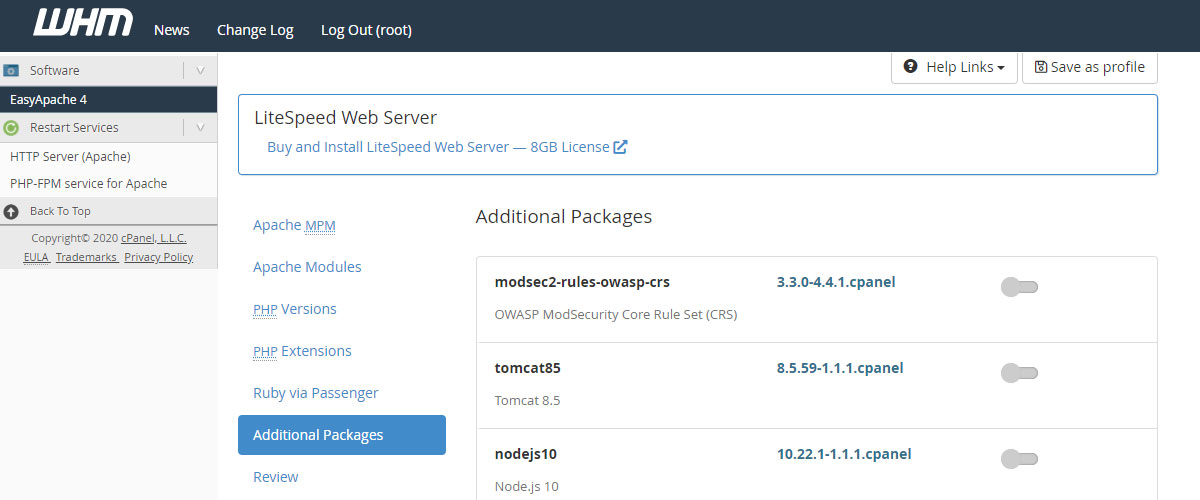
However, if you are using a VPS, then you can install it for your java based applications from within your WHM panel through EasyApache 4 interface.
On the other hand, if you are using shared hosting and want to make your application available to the general public, you will have to follow a different route. In such a case, you can consider running the server on an unutilized IP port and forward all the incoming requests via CGI script/binary to the Node.js server.
You need to follow this longer route in the case of shared hosting because you cannot run publicly-visible servers in such hosting, however, Node.js demands this. It is one of the biggest downsides to shared hosting.
Can I run Node.js on shared hosting?
Yes, it is possible to run Node.js on shared hosting in some circumstances. You can do it with Apache, Linux, and PHP. You can also achieve it successfully with Express, Grunt, and NPM.
How to do it?
You will need to have root access to run Node on port 80 but shared hosting environments offer limited access to the server. Most shared hosting providers do not provide you with root server access.
But there is a workaround that can be done depending on the host. If you do not have a dedicated server or VPS hosting but have SSH access to your hosting account, you probably do not have the full shell.
In such a case, the host might restrict the shell from commands or provide you with a jail shell. So you can consider asking the host to custom-create it for you.
From my experience in the hosting world, most hosting providers will tell you to upgrade to a VPS or dedicated hosting plan but still, it is worth trying.
Please consider going through his helpful link for finding a step-by-step solution that might work for you.
https://stackoverflow.com/questions/24777750/how-to-host-a-node-js-application-in-shared-hosting
Limitations to be aware of shared hosting
Shared hosting, by nature, has many limitations. Node.js requires publicly-visible servers for functioning. But shared hosting does not allow you to run such servers which is one of its biggest limitations.
Though it is technically possible to run a node on shared hosting, I wouldn’t consider it. You will either run out of processor cycle time soon or your shared hosting provider will kill the node process.
What to look for in shared hosting?
Standard simple static+MySQL+PHP hosting will not allow you to use Node.js. So when you are planning to run a node on shared hosting, you will have to find a shared hosting that is either designed for the very purpose or clearly states that Node.js can be installed with the plan.
Luckily, we’ll look at one of the very few hosts that allow running Node.js with its shared hosting in our next section.
Best Alternative to Bluehost (shared hosting) for running Node.js
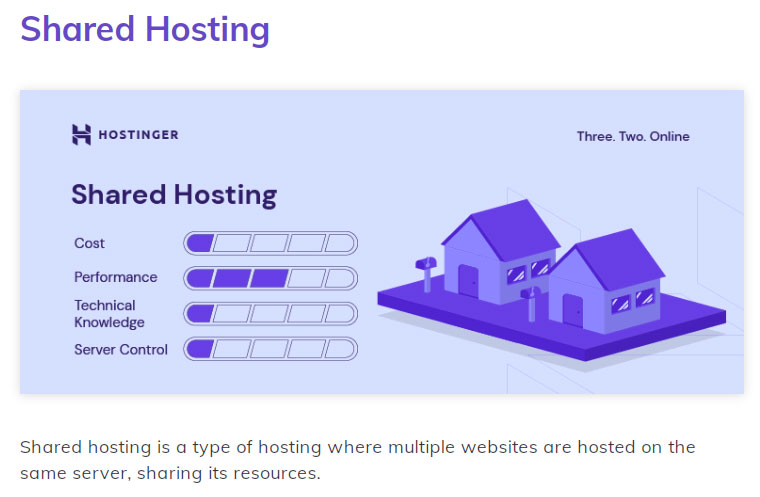
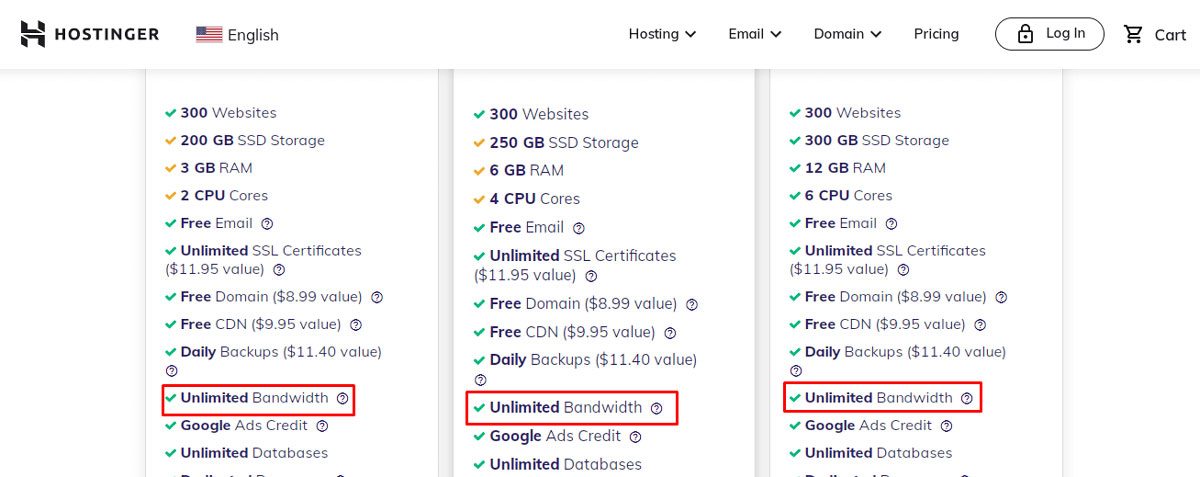
Hostinger is one of the best alternatives to Bluehost if you want to run Node.js while keeping hosting costs low. Hostinger supports Node.js directly on its shared hosting plans, starting from its second-tier plan, so you don't need to purchase a VPS just to deploy a Node.js application.
Why is Hostinger better than Bluehost for Node.js?
One of Hostinger's biggest advantages is that you can host Node.js applications directly on shared hosting. Node.js support starts from Hostinger's second shared hosting plan, making it a relatively affordable option for smaller applications and developers who don't want to manage a VPS.
You're also not limited to a single Node.js application. Hostinger allows you to host multiple Node.js apps under the same hosting account, subject to the website and resource limits of your selected plan.
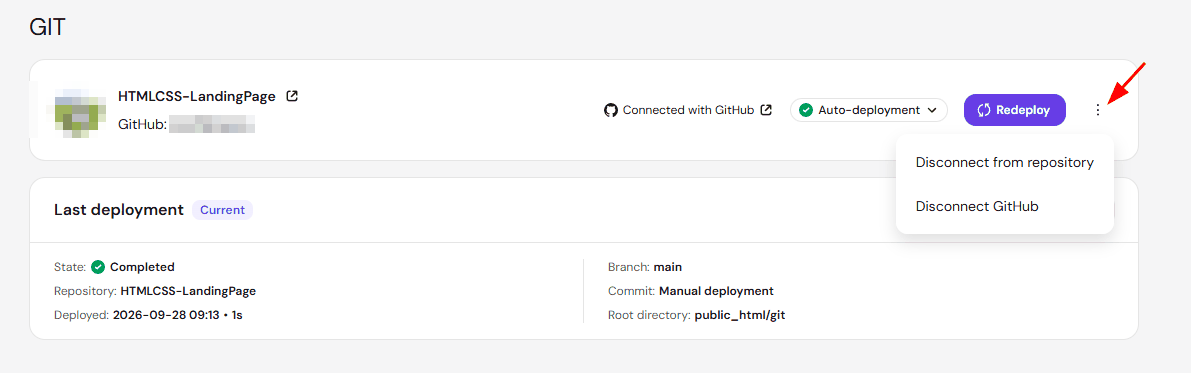
Deployment is straightforward through Hostinger's hPanel. You can connect your GitHub repository and deploy your project from there, or upload your application files manually.
Hostinger supports popular Node.js frameworks and technologies, including Next.js, Express.js, NestJS, Nuxt.js, Fastify, Astro, SvelteKit, React, Vue.js, and Angular.
This makes Hostinger particularly useful if you have several small Node.js projects. Instead of purchasing a separate VPS for every project, you can deploy multiple applications within the same hosting plan, provided they remain within your plan's available resources.
Hostinger also gives you access to tools for managing your applications, including environment variables, application logs, resource monitoring, and GitHub-based deployments.
Things to keep in mind about Hostinger
Although Hostinger supports Node.js on shared hosting, not every shared hosting plan includes it. You'll need at least the second-tier plan, so make sure you choose a Node.js-compatible plan before purchasing.
You should also remember that this is still a shared hosting environment. Hosting multiple Node.js applications doesn't mean you have unlimited server resources. Your applications share the CPU, RAM, I/O, and other resources available under your hosting plan.
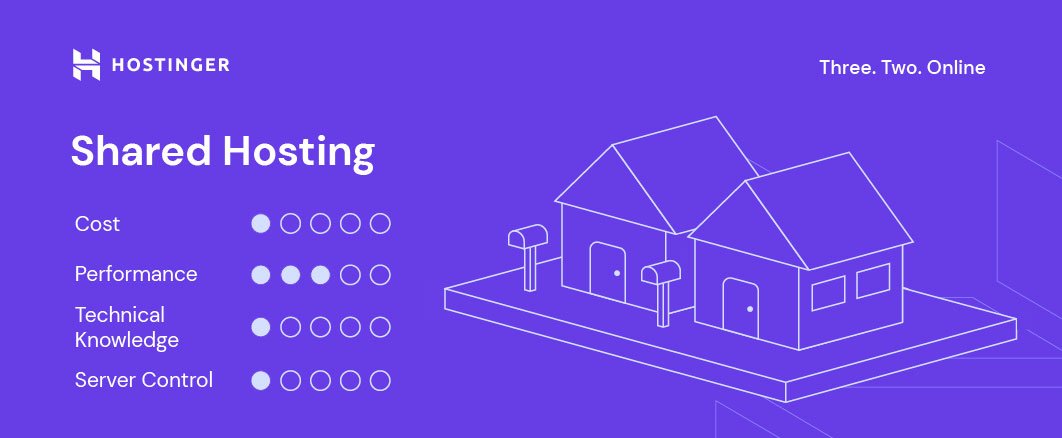
For small to medium Node.js applications, APIs, Next.js websites, and similar projects, this can offer much better value than immediately moving to a VPS.
However, if your application requires root access, Docker, custom server-level configuration, consistently high resource usage, or much greater control over the hosting environment, a VPS will generally be more suitable.
The main advantage here is that Hostinger gives you a convenient middle ground: you can run multiple Node.js applications on affordable shared hosting without having to manage your own VPS.
Best hosting use cases for Node.js
Now that you know you can run Node.js with both shared hosting and VPS/Dedicated hosting, let us discuss the best use cases for these hosting types:
When to use Shared hosting?
Consider using shared hosting for running Node.js in the following cases:
- When you are creating an app as a side project.
- When you are on a tight budget and cannot spend money on a VPS or dedicated hosting plan.
- When you are running a very small website with very low traffic.
- When you just want to learn and familiarize yourself with the app deployment process, both frontend, and backend.
When to use VPS/dedicated hosting?
Consider using VPS/dedicated hosting for running Node.js in the following cases:
- When you are building a professional app for a client.
- When you are expecting moderate to high traffic to your app.
- When you are looking for better performance and compatibility for your app.
- When you are looking for a long-term stable hosting environment.
- When you want your app to run on your publicly-visible individual servers.
Verdict on Bluehost NodeJS hosting
I don’t recommend installing Node.js on a shared hosting platform since Node.js is super fast and scalable. The technology is a preferred choice for data-intensive, real-time IoT applications and devices. So if you are choosing the shared hosting environment for your app, observe its performance and upgrade to VPS if needed.
Though it is possible to run Node.js on shared hosting in some circumstances, VPS hosting remains a better choice for the powerful task. If you wish to receive full control of the server for your app, you must consider VPS hosting.
In short, Node.js is much more compatible with a dedicated server or the private server environment provided by a VPS hosting plan. So you will get more out of the whole experience if you choose VPS/dedicated hosting for creating your node.
FAQ (Frequently Asked Questions)
Does SiteGround support Node.js?
No, the shared and Cloud hosting plans from SiteGround do not support Node.js.
Can I use Node.js on HostGator?
Yes, you can use Node.js on HostGator if you have a VPS or dedicated hosting plan. The host can install Node.js on your behalf in such a case. You can contact HostGator customer service via phone or live chat to request the installation.
The host, however, does not support Node.js on its shared and reseller hosting packages.
Does Namecheap support Node.js?
Yes, you will find a feature called “ Setup Node.js App ” in the cPanel provided by Namecheap that allows quick and easy setup of your app.
Does InMotion Hosting support NodeJs?
Yes, they do. Starting in 2023, InMotion hosting rolled out a new featured called Hosting Plus with their shared hosting and wordpress hosting plans which will allow you to easily setup your node application.